Checking Device Information
To check information about physical devices connected to a Windows OS endpoint system, utilize Device Manager information.
1. Checking Device Class Name
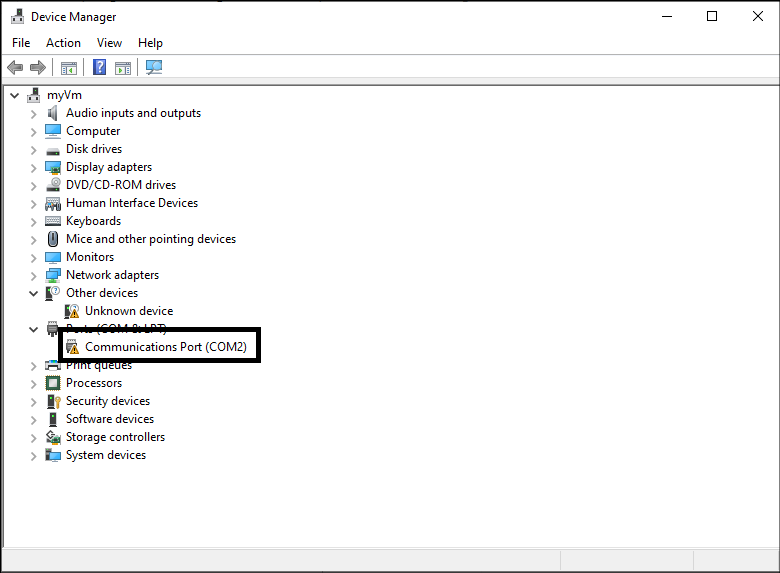
- Confirm the class name displayed in the top-level item that distinguishes devices in Windows Device Manager.

2. Checking Device Name
- Confirm the detailed device name displayed under the class in Windows Device Manager.
3. Checking USB Device Details
- Use the USB Device Information item displayed in NAC Agent to check connected USB details.
